
Welcome to our Releases Page
On this page we will keep you updated on the latest developments and improvements to our software. We continue to work on delivering a high-quality product and listening to our users' feedback. Starting with the September 2023 release, here you will find a list of recent releases, each with corresponding release notes in the form of fact sheets. These release notes contain detailed information about new features, bug fixes and other improvements.
We encourage you to return to this page regularly to stay informed about the latest updates and explore the full details of each release. We are always improving our software to meet the needs of our users, and we hope this page helps you get the most out of our products.
Release 2026.5.0 (23 juni 2026)
New
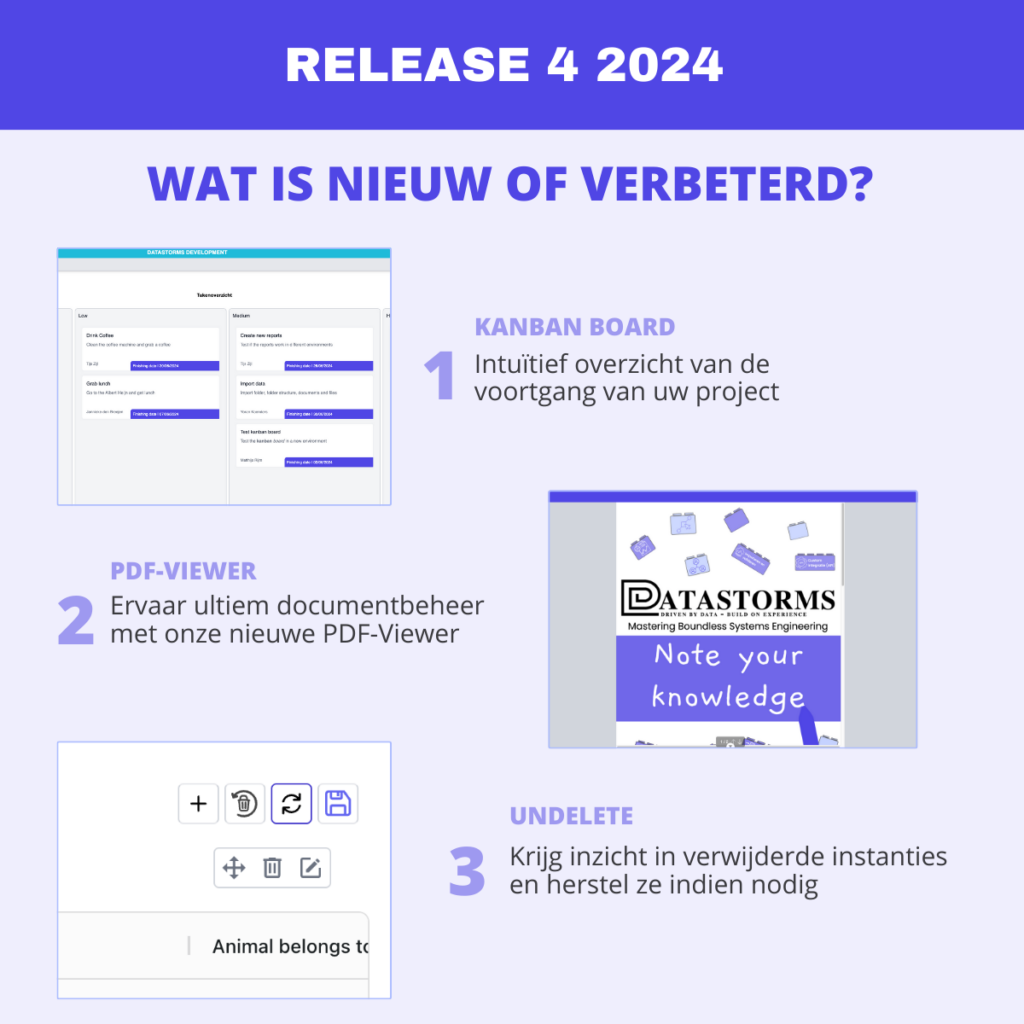
– Kanban uiterlijk herontwerp
– Verbeterde Catalogus functionaliteit (complexe netwerken)
– Gebruik van eigen icoontjes
– Ondersteuning voor tabellen in RichText
– Simpele versie van Multi-edit toegevoegd
Enhanced
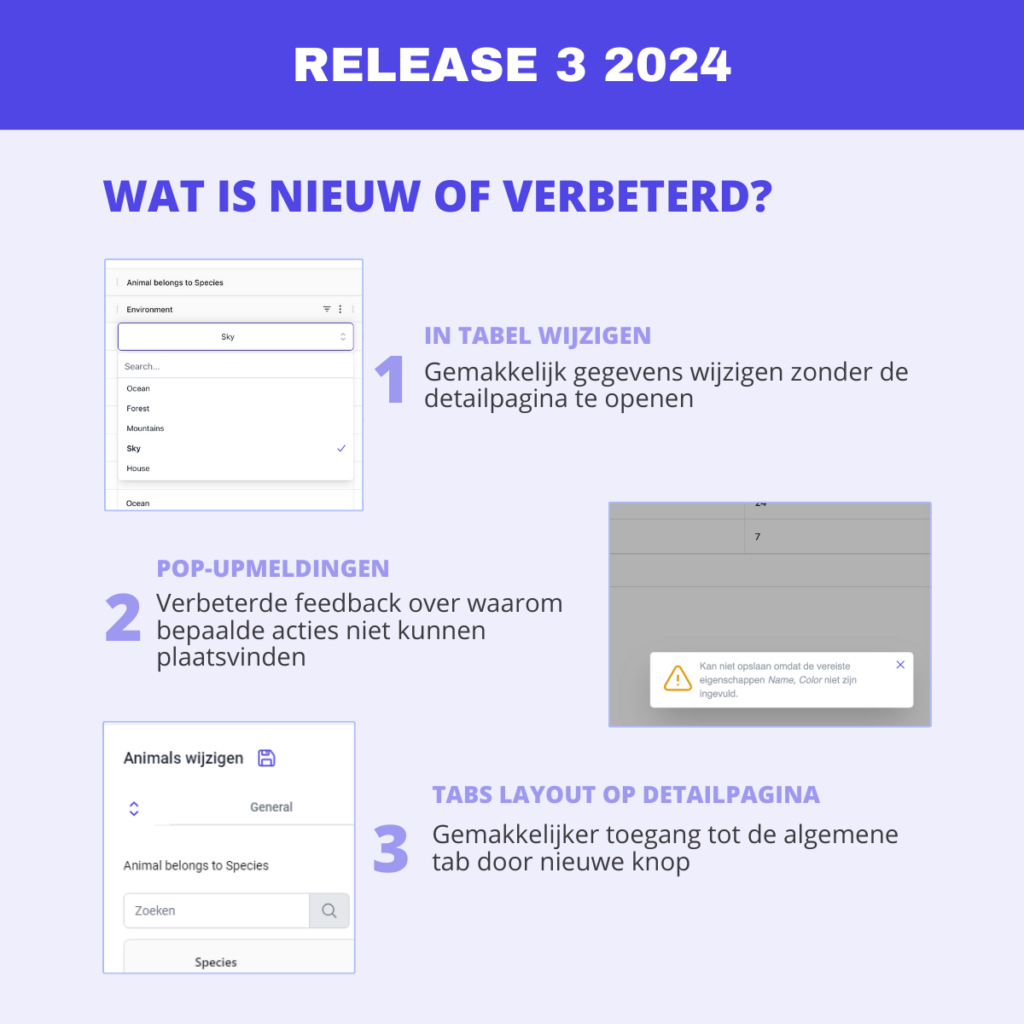
– Detail pagina duidelijkere waarschuwing bij niet ingevulde verplichte velden
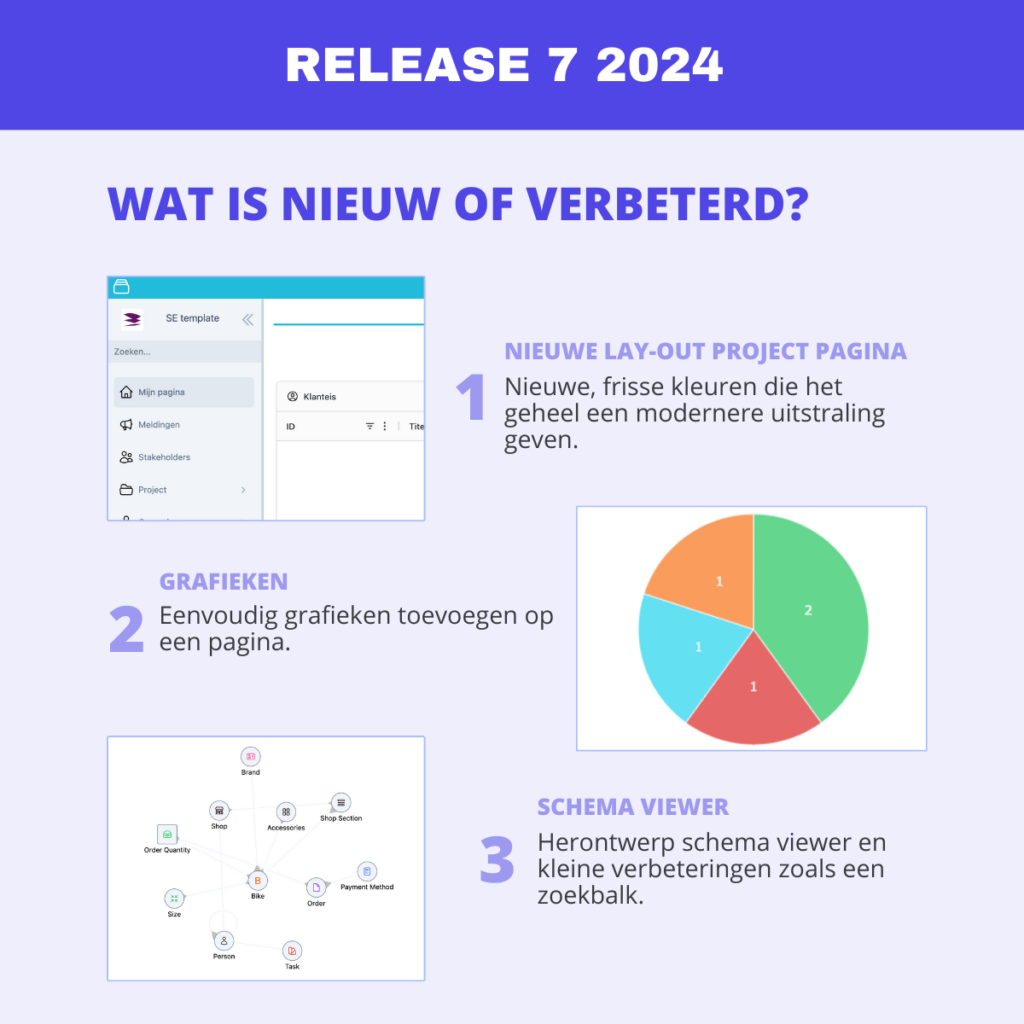
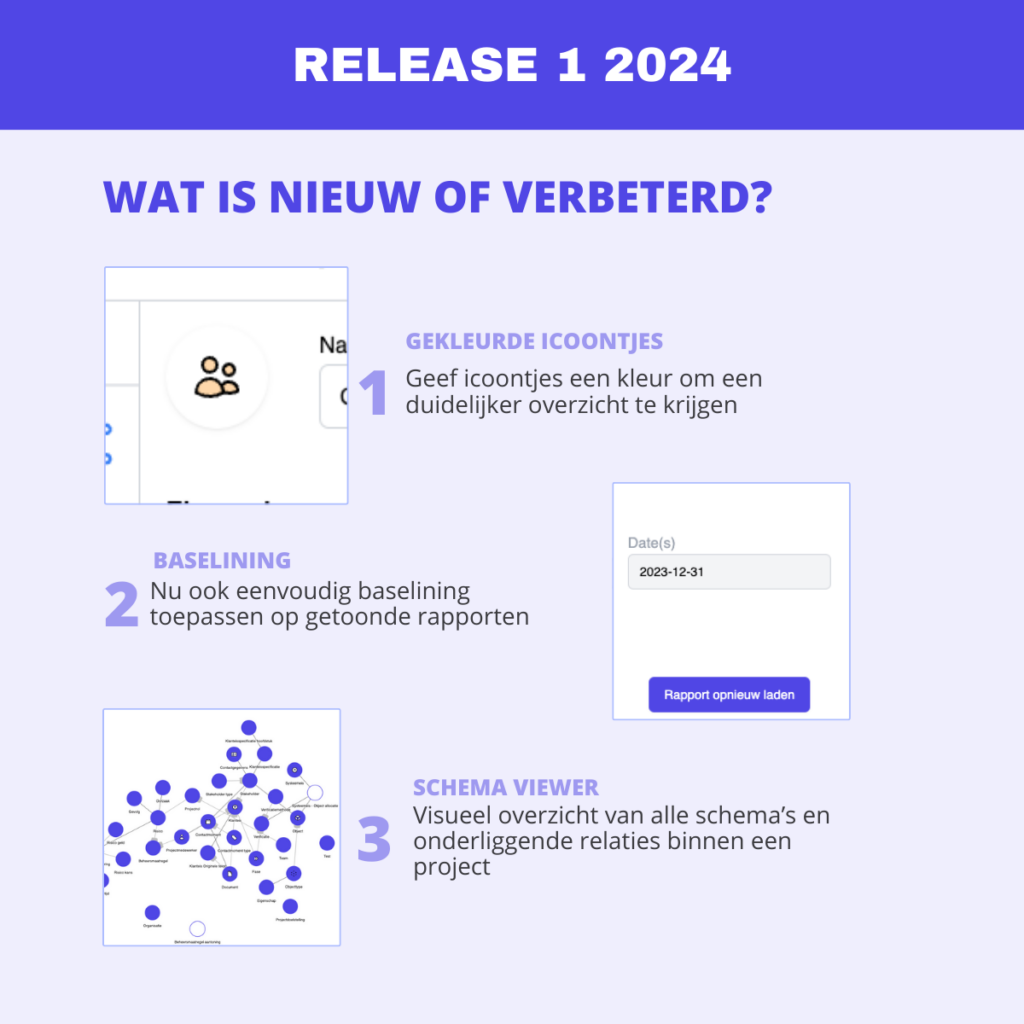
– Duidelijkere positionering van schemas in schema viewer.
– Ondersteuning voor aanmaken van instanties met verplichte relaties in workflows
– Bijwerken van single- en multi-select waarden via templating
– Verbeterd inzicht in gekoppelde projecten bij Template
– Tabel XSLX-exports formatting
– Duidelijkere terugkoppeling aan gebruiken bij herladen van data in tabel
– Begrijpbaardere logging bij multi-edit/delete logbestanden
– Betere ondersteuning voor lege waarden in workflows
– Foutmelding afhandeling bij workflows
– Vervangen van Jaccard similarity door Cosine similarity bij workflow vergelijk-component
– API receiver verwerking van data gelijk met import getrokken
Fixes
– Foutief standaard icoontje voor algemeen tab bij detail pagina
– Plaatsen van componenten op pagina
– Kleur bij notificaties teruggebracht
– Gearchiveerde (geïmplementeerde) interface schemas laten schema viewer crashen
– Schema viewer zoeken
– Start van workflow geeft twee notificaties
– (un)locken van een instantie wordt niet opgeslagen in geschiedenis
– Verwijderen van verplicht autogenereer waarde vervangt het met nieuwe waarde
– Tabelkoppen met zelfde naam worden samengevoegd
– Wanneer standaard waarde is ingesteld maar het invullen is uitgezet, wordt de waarde toch getoond aan de eindgebruiker
– Workflow getData component geeft in specifieke gevallen incomplete data terug
– Optie om URL-variabelen bij API providers een andere naam te geven
– Kopiëren van API Interactive behoudt niet secret
– Teveel lowercase karakters in een wachtwoord resulteerd in een foutmelding
– RichText html-translatie in geschiedenis-tab op instantie detail pagina
– Relatie cardinaliteit is niet aanpasbaar in verwachte scenarios
– Aanpassen van rechten binnen rol geeft foutmelding
– Bijwerken van een eigenschap bij een schema met een binnen context unieke eigenschap geeft een foutmelding
– Datumselectie bij in table-edit wordt onder de tabelkoppen getoont
– Lange relatie identifyer verplaatst doorklikknop achter tab-bar
– Aanzetten van dynamische locaties bij createObject-blok in workflows werkt niet
– Datum selectie toont verkeerde geselecteerde datum
– Workflow relatie-blok wordt niet goed geïnitialiseerd bij openen workflow builder
– API provider levert bestanden niet goed aan
– Conditional formating met waarde 0 toont niet goed
Release 2026.4.0 May 13, 2026
New
– Renewed look:
* Redesign of projects list.
Applying styling changes.
New style options for text component.
Selection cleanup pop-up.
Detail page refresh.
History overview on detail page.
– Catalog connector: A new way to pull data from the library into a project using connectors.
Multi-edit now supports multiple layers deep within the table.
– Progress center: a central location in the top bar where all active (and completed) processes for imports, workflows, and multi-edits can be found.
Conditional formatting: coloring instance values based on conditions in properties.
Flexible user roles: a user role assigned to a user that only applies when a set condition is also met.
– Tree structure: the number of rows displayed is now adjustable.
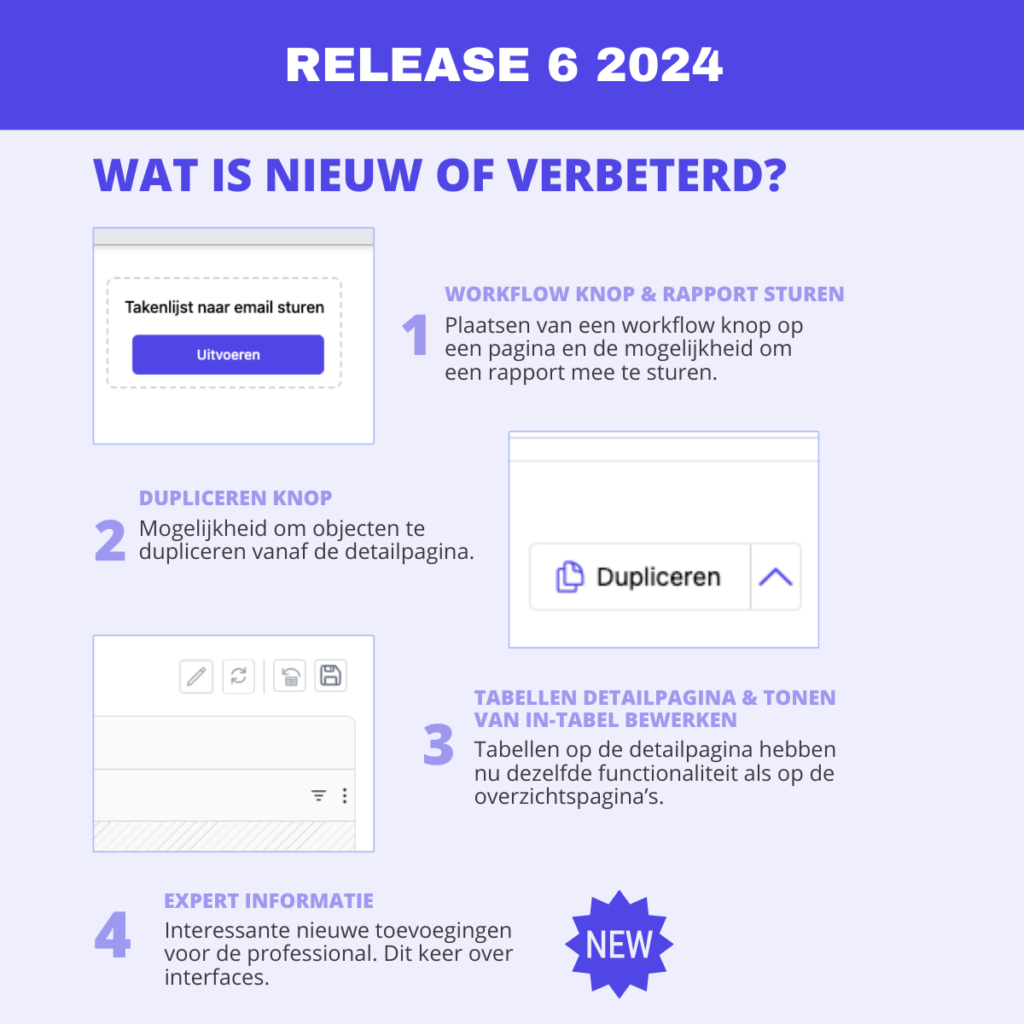
– Word template reports: setting added so users can download these as PDF.
Enhanced
– Project settings scheme list: groups expand when searching for schemes.
– Scheme detail page: Navigator settings moved and renamed to Identifier.
– Scheme detail page: When viewing relationships, it now also shows in the overview whether a constraint has been set.
– Scheme detail page: single-/multi-select property options can now be reordered using drag-and-drop.
– Detail page: speeding up page loading with many relationships (tables).
Hyperlink importing is now supported.
– Workflow: improved filter for “undefined” properties.
– Workflow: Further zoom-out capability added to workflow builder.
– Date formats now consistently use a “-“.
– Templating: when deploying a template, the datetime workflow trigger timestamp is not adjusted.
Fixes
– Boolean property: saving default value possible again.
Duplicating a parent in a BtP relationship is possible again.
Clicking a hyperlink in a table now properly opens the hyperlink.
– The time of change is now also shown on the 24-hour clock in the history overview on the detail page.
Kanban filters on schemes other than the root scheme are now also possible.
– Improvements to the table layout and functionality when no properties of an intermediate relational scheme are selected in the query.
Workflow: Copy-pasting queries in the getData component is now more stable.
- Workflow: getData with error message is now shown in the object structure.
The table now correctly displays rounded float values.
The standard tab icon is now displayed consistently.
- Map component no longer shows “access blocked” notification.
Templating: more stable rollout of workflow changes.
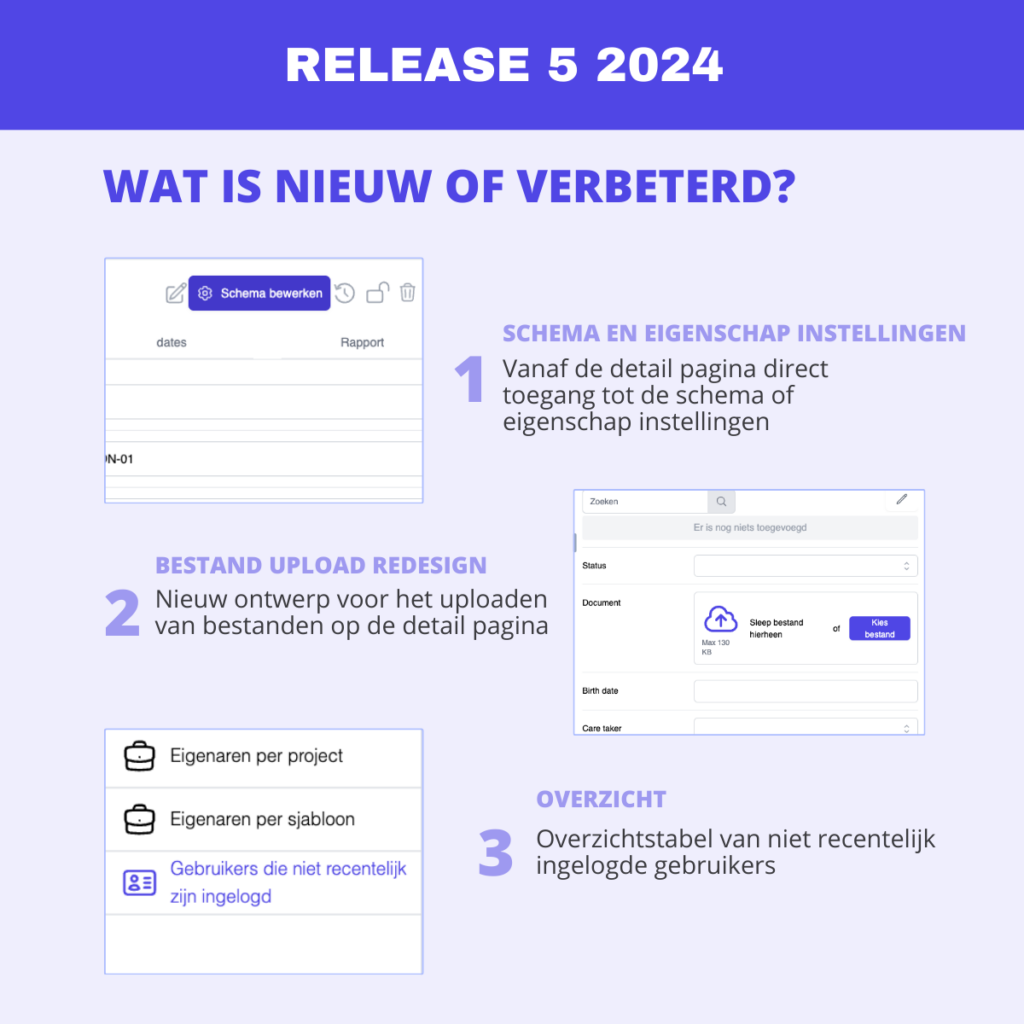
– Improved overview of users not recently logged in.
The property of type String with autogenerate UUID is now saved correctly.
Detail page tables no longer show columns that have been set to ‘hidden’.
– Deleting archived connectors is now possible.
Line chart user settable filters work more stably.
The pie chart colors have been standardized with the rest of the interface.
– Excel report download file has no extension if there is a “.” in the report name.
Release 2026.3.0 April 3, 2026
New
– Option to enable or disable the track history property.
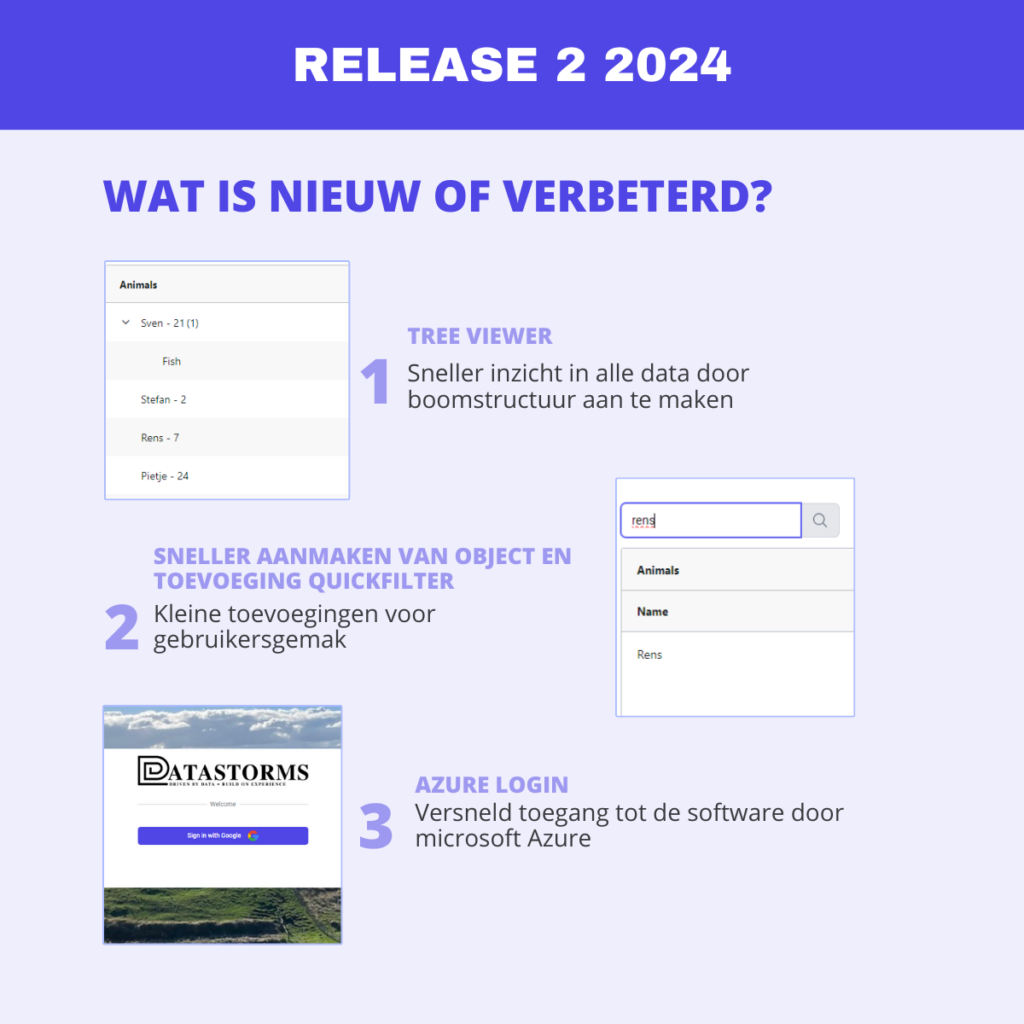
– Directly from the tree structure, adjust relationships by double-clicking or via the context menu (right mouse button).
– Adding complex recursive queries in tree structures.
– Option to add explanations for selection options.
– Easily duplicate workflow components.
Enhanced
The filter setup interface has been adjusted so that groups and AND/OR filters are more clearly visible.
Pie charts now always show values, regardless of whether “legend” or “call-out” labels are enabled.
– Connector menu is no longer displayed if no connectors are in use in the project.
Redesign of API global settings.
– When setting up Connectors, the cardinality of relationships is now better controlled.
When templating, it can now be specified whether a project is the development environment.
– Instance reporting is now also supported for interface schemes.
– Instance reports will now be named after the navigation indicator of the instance from which they are downloaded.
– Saving logs in Workflows has been adjusted.
– Preview loading during import has been accelerated.
– Inline text edits in tables are now more stable and visually appealing.
Fixes
– Table and tree components are no longer truncated if a page has a description.
– If a page takes longer to load, a loader is shown instead of “no elements”.
– Deselecting a relationship in a table via the in-context menu no longer deselects all relationships.
It is now possible to create a new relationship object from the relationship edit pop-up again.
- Editing values in the import validation step using the dropdown works again.
Table rows are displayed better when the Relational scheme is not selected in the query.
– In the table, an adjustment to a single and multi-select property is working stably again.
– Importing relational schemes in combination with interface schemes works again.
– Excel export with row spanning of tables now works more stably.
Up to 5 page components can be placed next to each other again.
The context menu positioning has been improved.
When editing relationships with restrictions, objects that were already selected but no longer meet the conditions are now shown.
- Properties of type ‘User’ are displayed correctly in tables again.
Filters in tables no longer scroll over the page header when you scroll down on a page.
The screen for accepting or rejecting trusted devices now follows the global 12/24-hour settings.
Tables will no longer remain on ‘loading’ indefinitely when a query contains an error. Instead, the user will now see a clear error message immediately.
When a workflow is copied, the copy will henceforth be set to “inactive” by default.
When a new object is created via the add button on the detail page, the selected relationship from the previous object is no longer visible.
- The sorting of numerical values in tree structures has been optimized for logical order. This means items like 1.2, 1.2, and 1.10 are now displayed in the correct numerical order, rather than the previous alphabetical sort where 1.10 came immediately after 1.1.
Release 2026.2.0 (February 27, 2026)
New
Importing properties that are unique within the context.
– XLSX template functionality in reports.
– The “if-statement” workflow now also supports empty/non-empty filtering.
– String type property UUID autogenerate option.
Enhanced
Detail page: tab visualization adjustments.
– Templating: compare function made more stable and complete.
– Trusted devices: handling of rejected devices.
– Workflow: improved performance changes to workflow components.
– Roles and permissions: Easier and clearer setup of roles and permissions in projects, with the possibility of automatically assigning new properties and relationships.
– user audits: viewing pages added to the logs.
– New time picker
– Table: stable sorting and filtering.
– User filters: show relationship name in relationship filters.
– Support for context uniqueness with Relational scheme in combination with Interface scheme.
– Connectors: Information on the Diagram detail page indicating that a diagram is linked to a connector.
Improved notification when creating a new object/instance to the end user.
Fixes
Detail page
Next/previous buttons are now only shown on the main table schedule.
Undo button now also works with relationships.
Components
* Tree: the date will now be shown regardless of settings
Release 2026.1.2 (Feb. 6, 2026)
Bug fix release
Release 2026.1.1 (Feb. 4, 2026)
Bug fix release
Release 2026.1.0 (Jan. 30, 2026)
New
- Table context menu now also shows edit options available in a cell.
- Clicking on diagram displays the underlying data in a table.
- Dropdown relationships are now also displayed in a table as a drop-down list instead of a popup.
- Ability to hide a table if there is no content.
- Improved behavior in terms of locking data (especially in so-called bind-to-parent relationships).
- Organization user management logging overview.
- Trusted devices (user must confirm via email that they are logging into Datastorms with an accepted device). This option is off by default.
- Workflow iterator can now also be set to iterate a number of times instead of just over an Array.
Enhanced
- 58 new icons added.
- More sophisticated and smooth column filters in tables, including being able to type directly into the search field after clicking the filter icon.
- Color picker at the Map component now also uses the default color choices.
- Connector settings for Parent improved for easier use and better understanding.
- Connector settings for Child improved for easier use.
- Connectors now also show themselves where changes are pending.
- Workflow list now shows whether workflows are/are not active.
Fixes
- Components - Map
* Improved display of locations.
- Components - Table
* In cell drop-down lists are better displayed.
* After creating or changing table, the changes are displayed immediately without reloading the page.
* Row tension is more stable when changes are made to the data in the table.
* Date selection now always for the table.
* Stability improvements for storing relationships.
* Calculated properties can no longer be modified.
* Visualization of drop-down lists has been improved.
- Components - Last visited pages
* Component now always returns result.
- Components - Text
* Longer text can be made scrollable.
- Project settings - General
* Searching in lists now always returns results regardless of the position in the list.
- Project settings - Schedule
* Relationship with drop-down list enabled can now save without setting ‘fields to show’.
* Computed properties combined with recursive relations improved.
- Project settings - Roles
* List is displayed alphabetically.
* Adding filters works again.
- Project settings - Import
* Validation table now selects all rows instead of only the visible rows on first opening.
* Interface schema relationships are now also importable.
* Mandatory relationships from an interface are now correctly checked for object creation.
- Project settings - Pages
* Storage stability improvements.
Release 2025.6.6 (Jan. 27, 2026)
Fixes
- Multi-edit with selected columns
Release 2025.6.5 (Jan. 23, 2026)
Bug fix release
Release 2025.6.4 (Jan. 16, 2026)
Fixes
- Download import history
Release 2025.6.3 (Jan. 9, 2026)
Fixes
- Workflow date time trigger did not work in some circumstances
Release 2025.6.1 (Jan. 7, 2026)
Bug fix release
Release 2025.6.0 (Dec. 29, 2025)
New
- New table implemented everywhere where old table was still used.
- New tree structure based on the new table.
- Copy user roles between different users in the same project.
- At importerken, you can now specify whether an instance should be created if it is not found.
- When building reports, error messages are now displayed during testing.
- Relationships with cardinality 1 can be shown as a selection list instead of a complete table.
- Option to force user to change their password at next login.
- Properties and relationships can be ‘mapped’ so that name changes in the data model do not immediately require workflow, reporting and/or API changes.
- Ability to have a relationship between a scheme and an interface scheme implemented by the same scheme.
- Default value for property of type “user” (select the user creating the instance).
Enhanced
- Visual and usage improvements to the new table
- Easier filtering on empty/non-empty values.
- API interactive log files show better feedback of error messages occurred.
- Better visualization of longer property names on the object detail page.
- When an object detail page is shown via slide-over, you can now click next to it to close it.
- Workflow blocks are run iteratively rather than recursively (better stability/performance).
- Easier setup of Dashboard component.
- Ability to use project image/description in a report (currently works only for PDF/HTML reports).
- Enhanced security.
Fixes
- Importing Relational Schemas based on the R1 and R2 element is possible again.
- Scrolling at an undelete table enabled when paging is set to large values.
- Normalized merged barchart works again.
- RichText editor error solutions.
- Upon logout, user is returned to login page.
- Relational Schemes can again be used in reports.
- Right-click again shows the context menu in an empty cell.
- Newly added page components also become visible immediately.
- Table column filterin solutions.
- Graphs now also show empty values.
Release 2025.5.2 (Dec. 8, 2025)
Bug fix release
Release 2025.5.1 (Dec. 3, 2025)
Enhanced
- Table gears
Release 2025.5.0 (Nov. 28, 2025)
New
- New improved table
- Filters on connectors
- Ability for admin to set user language
Enhanced
- Improved lists in settings pages
- Improved user feedback when resetting 2FA
- Avatar image maximla file size enlarged
- When creating an object, mandatory relationships are immediately set to edit mode
- Better import logging
Fixes
- Faster removal of instances
- Display of text component on page
- Required fields for display with relationships
- Relationships established on detail page are shown immediately
Release 2025.4.9 (Nov. 18, 2025)
Bug fixes
Release 2025.4.8 (Nov. 13, 2025)
Bug fixes
Release 2025.4.6 (Nov. 6, 2025)
Bug fixes
Release 2025.4.4 (Oct. 29, 2025)
Enhanced
- Improved display of bar charts
Release 2025.4.3 (Oct. 25, 2025)
New
- Workflows: configurable when active
- New richtext editor
Enhanced
- New security settings
Fixes
- Cleaning up login page
- PDF preview
- Archiving schedules
- Support for larger import files
Release 2025.4.0 (Oct. 10, 2025)
New
- Schedule: grouping of schedules
- Filtering level made adjustable
- Templating: version numbering
Enhanced
- Workflows: improved ability to create objects
- Showing avatars to users
Fixes
- URL component placeholder text
- Page management
Release 2025.3.28 (Sept. 26, 2025)
Enhanced
- Easier to add users to roles
Release 2025.3.26 (Sept. 19, 2025)
Bug fix release
Release 2025.3.22 (Sept. 12, 2025)
Bug fix release
Release 2025.3.20 (Aug. 28, 2025)
Bug fix release
Release 2025.3.18 (Aug. 20, 2025)
Enhanced
- Visual improvements
Release 2025.3.17 (Aug. 15, 2025)
Bug fix release
Release 2025.3.15 (Aug. 5, 2025)
New
- Dashboard component
Enhanced
- Faster search results in generic search
Release 2025.3.14 (July 29, 2025)
Bug fix release
Release 2025.3.13 (July 23, 2025)
Bug fix release
Release 2025.3.12 (July 21, 2025)
Bug fix release
Release 2025.3.11 (July 18, 2025)
New
- Multi edit
Fixes
- File deletion possible again
Release 2025.3.10 (July 15, 2025)
Bufixrelease
Release 2025.3.9 (July 11, 2025)
Enhanced
- Standard color picker
Fixes
- Exporting search results to Excel
- Filter by results in Tree
Release 2025.3.8 (July 4, 2025)
New
- Workflow: CC and BCC added to email block
Enhanced
- Easier components change on page
- Improved display of breadcrumbs
- Easier to add users to a project environment
Fixes
- Uploading files permissions are now correctly enforced
- Enhanced Microsoft SSO login
Release 2025.3.7 (June 27, 2025)
Enhanced
- bugfix release
Release 2025.3.6 (June 20, 2025)
Enhanced
- bugfix release
Release 2025.3.5 (June 16, 2025)
New
- Workflow: add notes for explanation
- Workflow: copy workflow button
Release 2025.3.4 (June 13, 2025)
Enhanced
- Workflow: Fields of “If” block now adapt to content
- API interactive: body-field readability improved
Fixes
- Security enhancements
- Multiedit no longer shows relationships that are ‘non-modifiable’ in table
- Components can again be placed between other components on a page
- At workflow button on object detail page, black lines are shown
- Saving project settings sign off user when SSO is on
Release 2025.3.3 (June 11, 2025)
New
- Bearer token support at API interactive
- Compare block at workflow (jaccard similarity)
Fixes
- Text component displays “TITLE” even when not set
- Reload sub-page makes table columns clump together
- Multi-edit of recursive relationships
- Storage of rolls made more stable
- Creating object on relational scheme object detail page did not work
Release 2025.3.1 (June 06, 2025)
Enhanced
- Archive user flow improved
- Popout labels at graphs round off numbers
- Dutch translation
- Activate connector saves automatically
- Import validator shows number of selected rows to import
Fixes
- Single-select property in table on object detail page
- Plotting editing properties on object detail page no longer worked
- Adjust column width of tables
- Width of tables on pages when reducing width of page
- Property with vType=User not shown in table
- Interface scheme relationships work more stably
- Personal settings tables work more stably
Release 2025.3.0 (May 23, 2025)
New
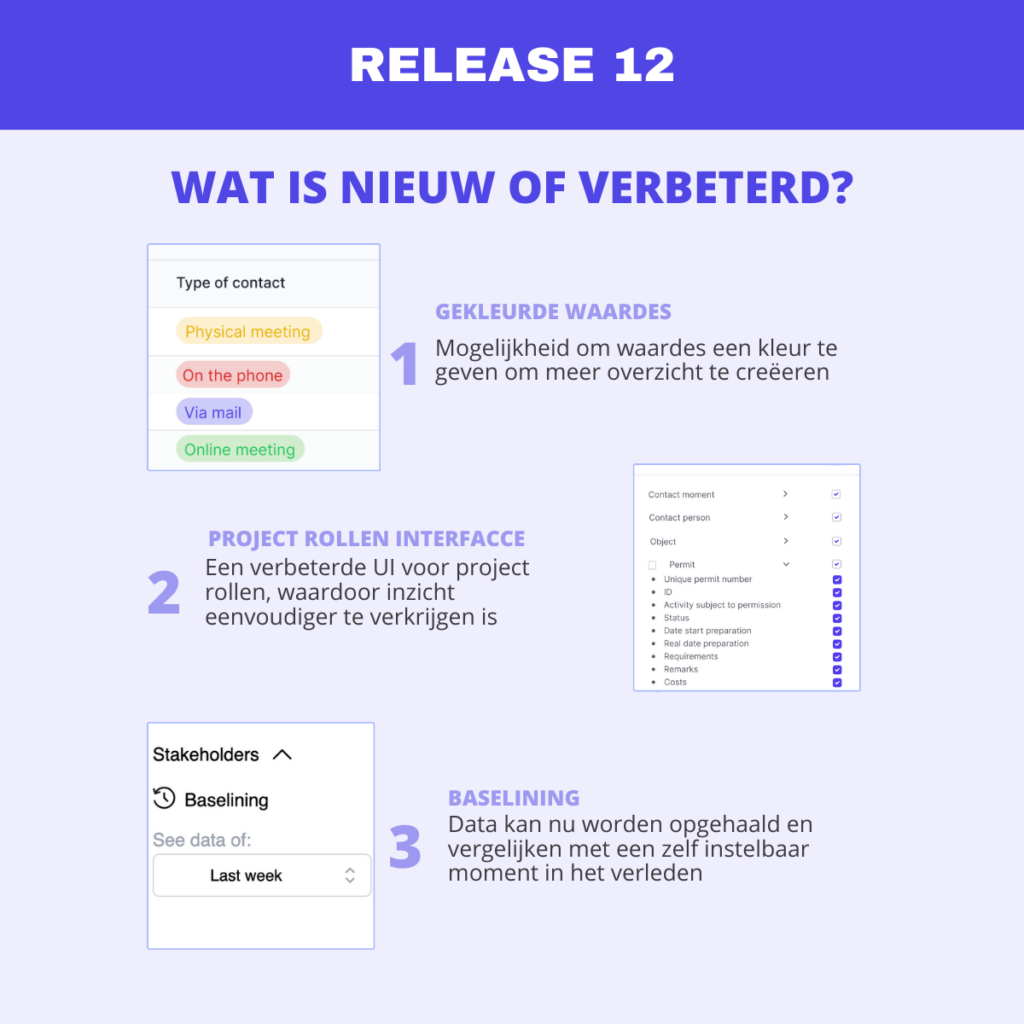
- Multi-edit option on tables for modifying multiple instances at once
- Improved and simplified Tree component
- Breadcrumbs on the detail page
- Project dashboard components added (news items, image, Quick links to pages, last visited pages, Links to other websites)
- For developers: copy-paste from Query
Enhanced
- Importing Richtext
- Import stability for error messages
- Easier setting of Functions at properties
- Download button at instance reports
- Autogenerate IDs “number width” setting (for string) simplified
- Tables load more smoothly
Fixes
- Detail page calculated properties show no value
- Importing certain Excel formulas did not work
- Importing ‘bind to parent’ objects without a parent possible
- Starting import at 0 selected rows made impossible
- Pie chart shows only “TRUE” values (and not the “FALSE” values)
- Pie chart shows no color at single-select property with colors set
- Template of home and subpages were not properly pushed to projects
- Restated reporting still visible on detail page
- Improved visual consistency workflow toasts
- Page component placement stability
- Archived projects available as connector parent
- Templates available as connector parent
Release 2025.2.0 (March 7, 2025)
New
- When opening a detail page, the information on the summary page remains editable.
- It is now possible to open the detail page in full screen.
Enhanced
- Simplifications for the functional manager
Bug fixes
- Import validation of integers
- Import validation blocks on relationships
- Representation of data in tables for more complex queries
- Duplicate button does not work for instances with relationships
Release 2025.2.2 (March 17, 2025)
Enhanced
- Improvements to table display
- Showing ‘today’ in date selection
Bug fixes
- 2FA options are not saved
- Instance detail page does not close after deleting instance
- Files are not properly included in API provider
Release 2025.2.3 (March 21, 2025)
Enhanced
- Faster loading of tables on overview pages
- Connectors remain activated when cloned with data
- Inactive connectors are no longer shown in the Connector overview
- Sorting at schema detail page shows easier relationships and buttons
Bug fixes
- Opening detail page from search bar
- Clearer notification of expired user session
Release 2025.2.4 (March 24, 2025)
Bug fixes
- Sorting of project list
- Refresh tables on summary page after change on instance detail page
Release 2025.2.5 (March 28, 2025)
Bug fixes
- undelete selection field was gone
- Opening instances from tree possible again
Release 2025.2.6 (April 4, 2025)
Enhanced
- showing linked child projects at connectors
Bug fixes
- barchart filter not working correctly
Release 2025.2.7 (April 11, 2025)
New
- Overview of active users
Bug fixes
- In some cases, mandatory relationships were not properly enforced
Release 2025.2.8 (April 18, 2025)
Enhanced
- Reports with previews on detail pages now also have a download button by default
Bug fixes
- Modifying bind-to-parent relationships in summary tables
Release 2025.2.9 (April 28, 2025)
Improved
- Disable ‘archive’ option in user overviews for owners
- Increase timeout on templating
- Change filename of template download
- Import reliability of relations with cardinality N improved
Bug fixes
- API returns multiselect values incorrectly
- Opening Workflow object structure crashes frontend
- Downloading of audit logs broken